Home » Motoring
Menu
Search
- About the Club
- Membership
- Motoring
- Pall Mall
- Woodcote Park
- Activity Groups
- Reciprocal Clubs
- Careers
- Online Club Shop
The Royal Automobile Club is Britain’s first and finest motoring organisation.
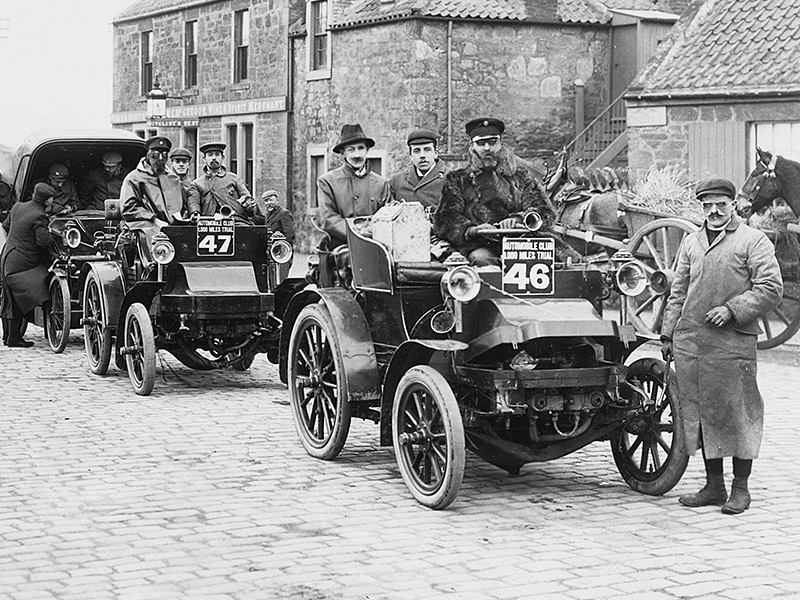
Founded in 1897 before ‘horseless carriages’ became motor cars, its influence has shaped British motoring and motor sport ever since.
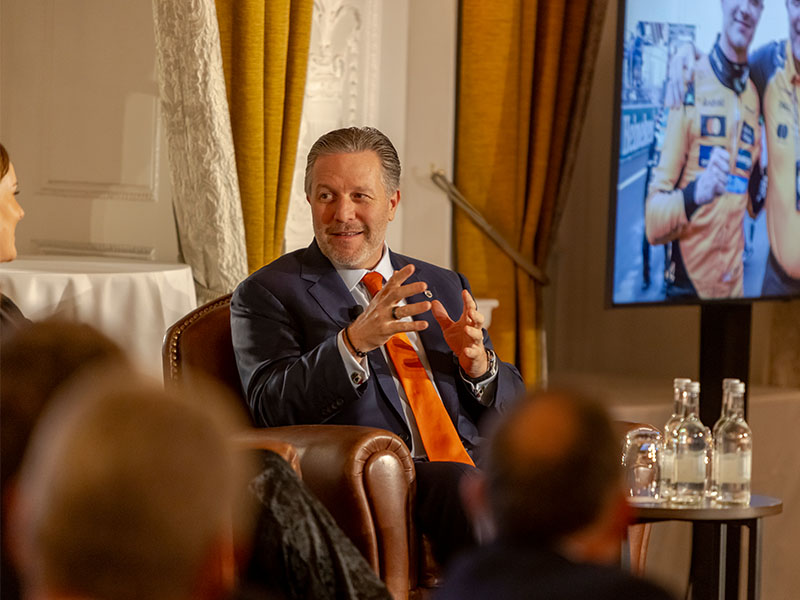
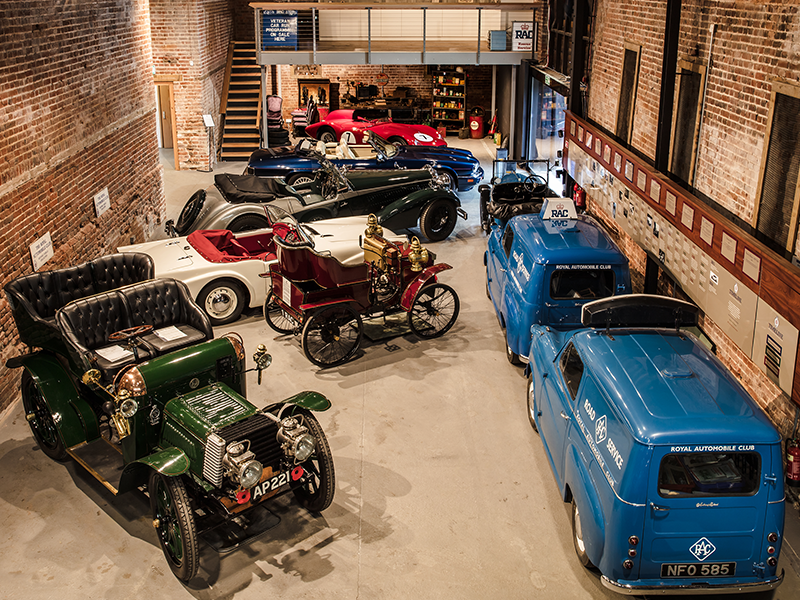
The Club offers a vibrant calendar of member-focused activities, including regular get-togethers around cars and exclusive interaction with the automotive industry.
It also organises several prestigious motoring events open to the wider public.
The Club supports and influences the causes of cars and motor racing today through the RAC Foundation and representation on the Fédération Internationale de l’Automobile (FIA).
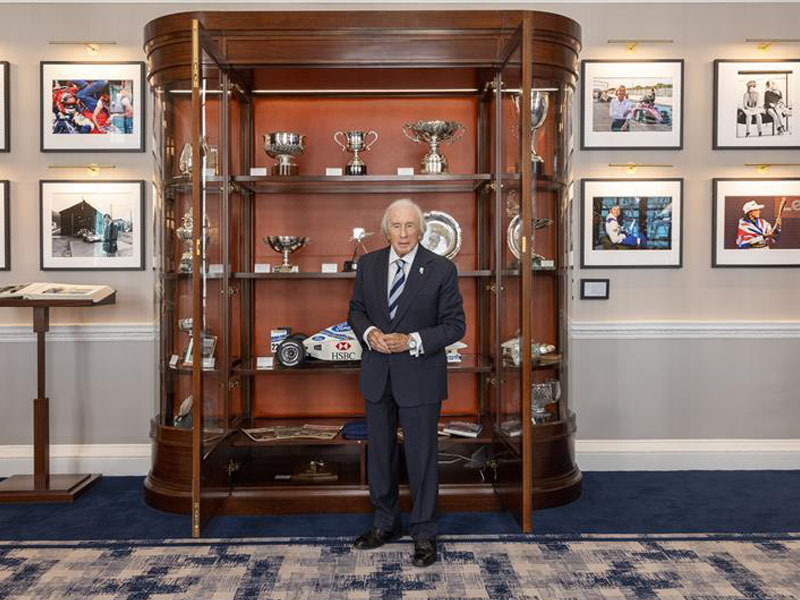
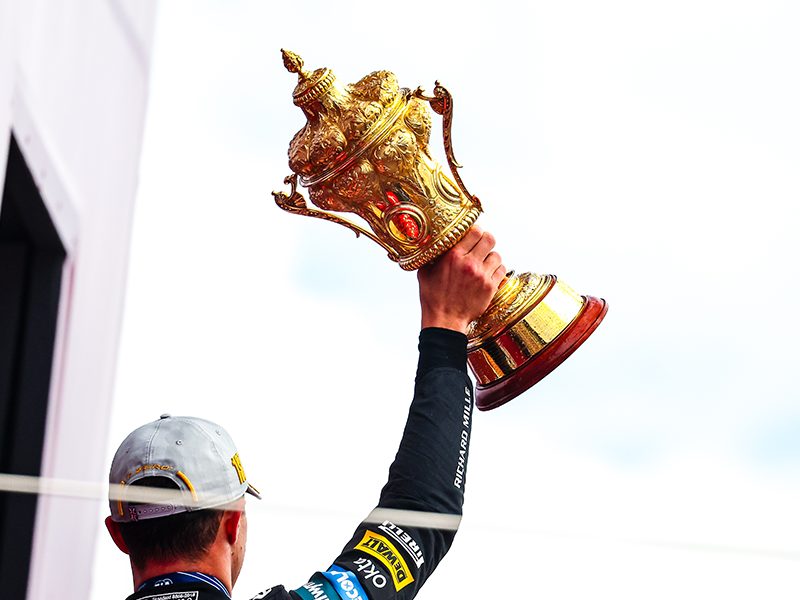
The Club’s numerous historic trophies and awards continue to encourage and salute motoring achievements.
You must be signed in as a member to view this information.
The RAC Foundation is a transport policy and research organisation that explores the economic, mobility, safety and environmental issues relating to roads and their users.
It publishes independent and authoritative research with which it promotes informed debate, and advocates policy in the interests of the responsible motorist.
While the RAC Foundation is independent from the Royal Automobile Club, we continue to maintain a close relationship. The Foundation’s headquarters is located in the Pall Mall clubhouse.
Visit the RAC Foundation website for more information.
To provide the best experiences, we use technologies like cookies to store and/or access device information. Consenting to these technologies will allow us to process data such as browsing behavior or unique IDs on this site. Not consenting or withdrawing consent, may adversely affect certain features and functions.